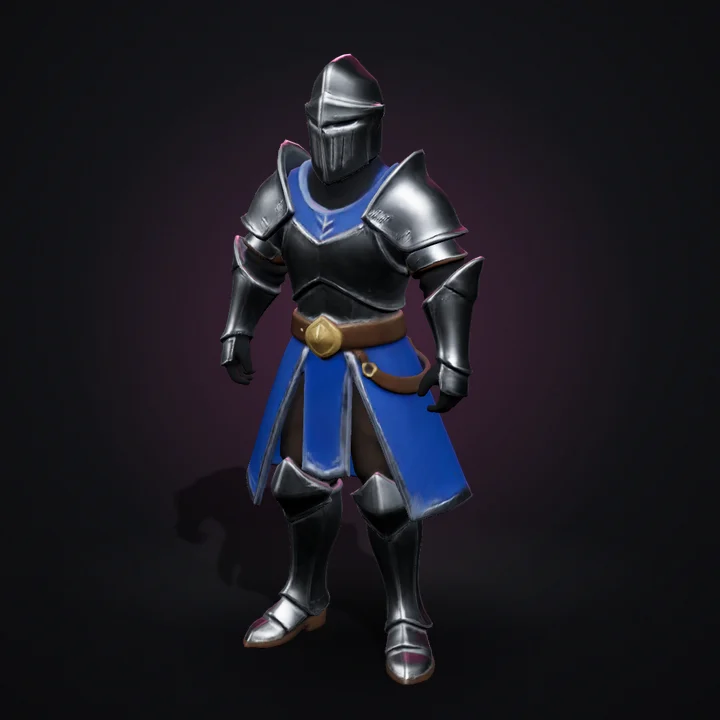
Knight
37.6K tris“A stylized fantasy knight in silver armor with a blue tabard, hand-painted look”
AI 3D assets for indie games
Describe a character, prop or level piece, or upload concept art. Get a textured model you can inspect in 3D and drop into Unity, Unreal, Godot or Blender.
No payment method required.
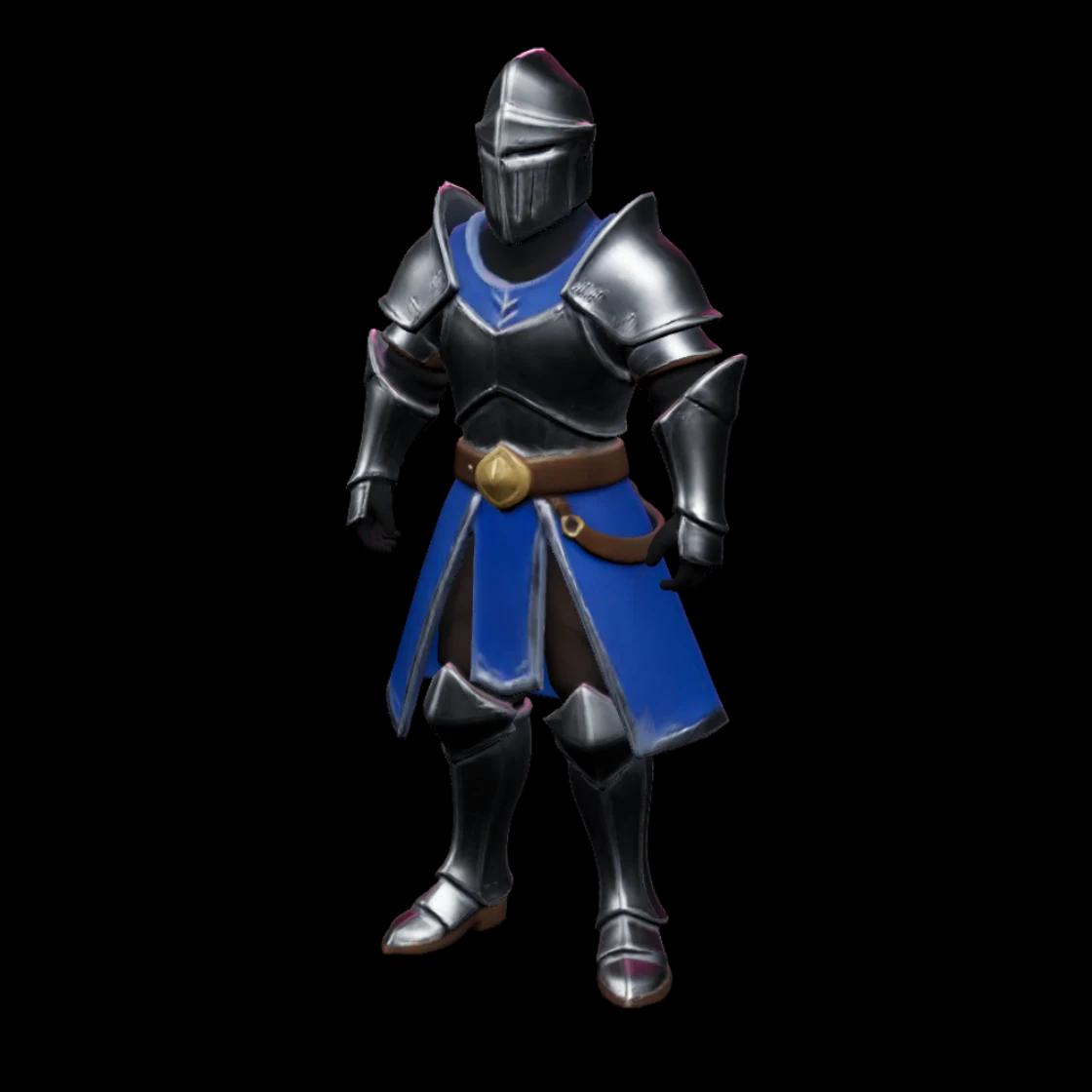
Prompt
Rodin Gen-2.5 · Low tier
A stylized fantasy knight in silver armor with a blue tabard, hand-painted look
Generated 2026-11-22. Geometry untouched; textures resized for the web.
Real examples
Each model was generated from the exact prompt shown, with no manual sculpting or retouching. Inspect any of them in 3D, download it, or start from the same prompt.
Rodin Gen-2.5, low tier, generated 2026-11-22. Textures resized to 1K for the web.
“A stylized fantasy knight in silver armor with a blue tabard, hand-painted look”
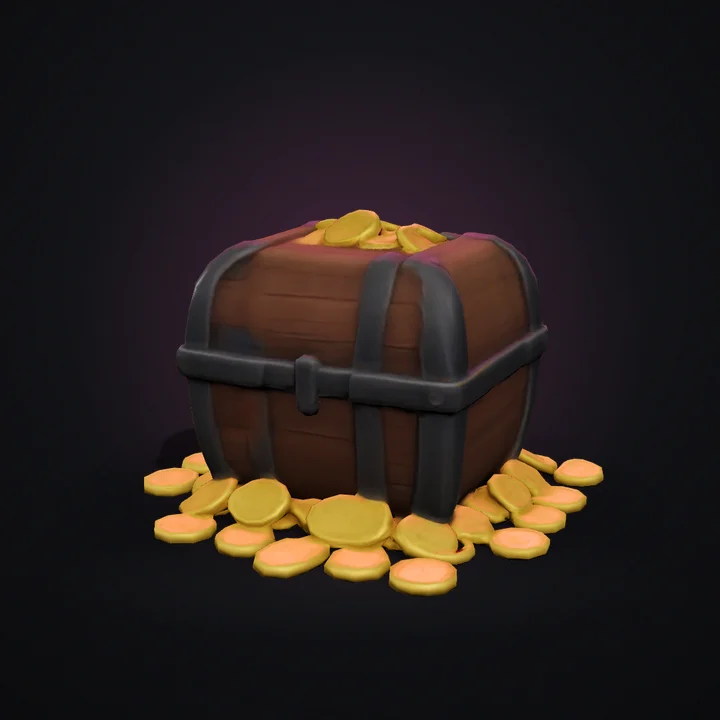
“A wooden treasure chest with iron bands and gold coins spilling out, stylized game asset”
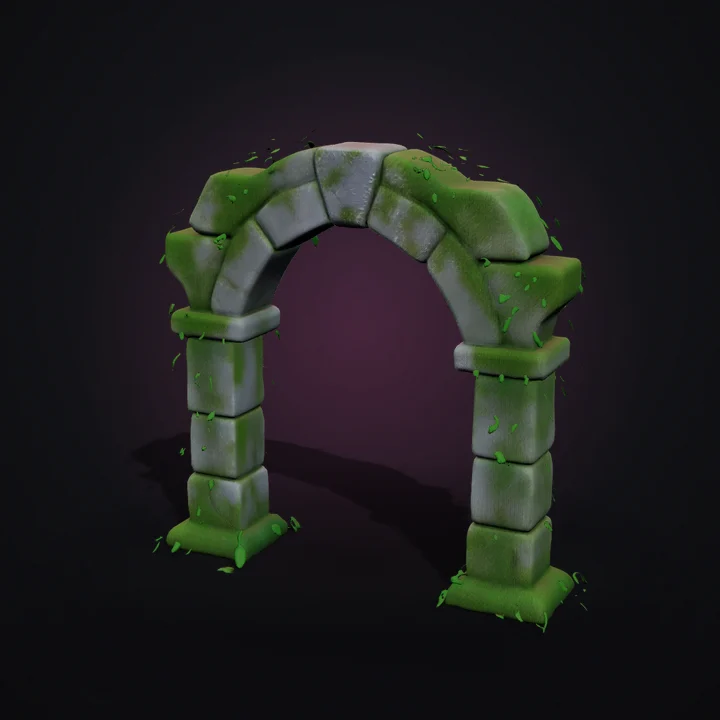
“A mossy ruined stone archway with ivy, stylized fantasy environment piece”
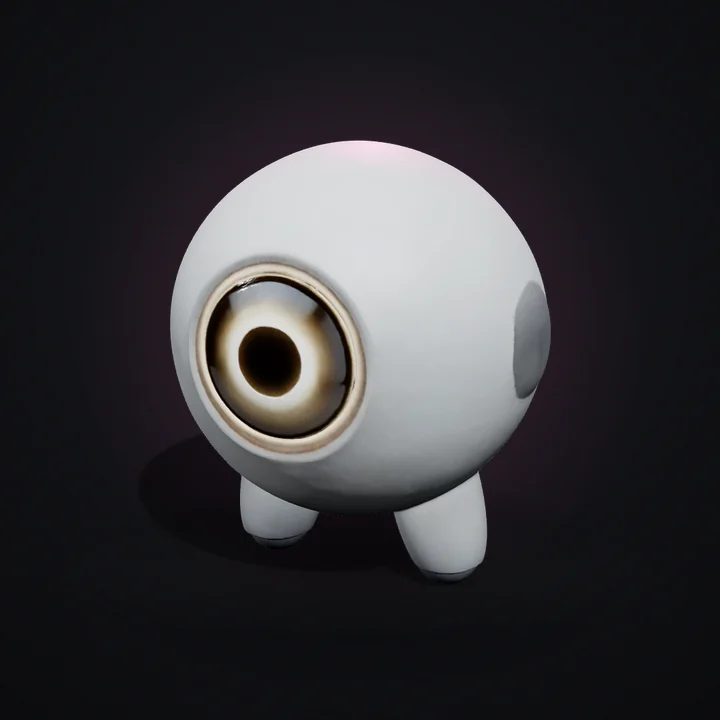
“A small round companion robot with one big glowing eye and stubby legs”
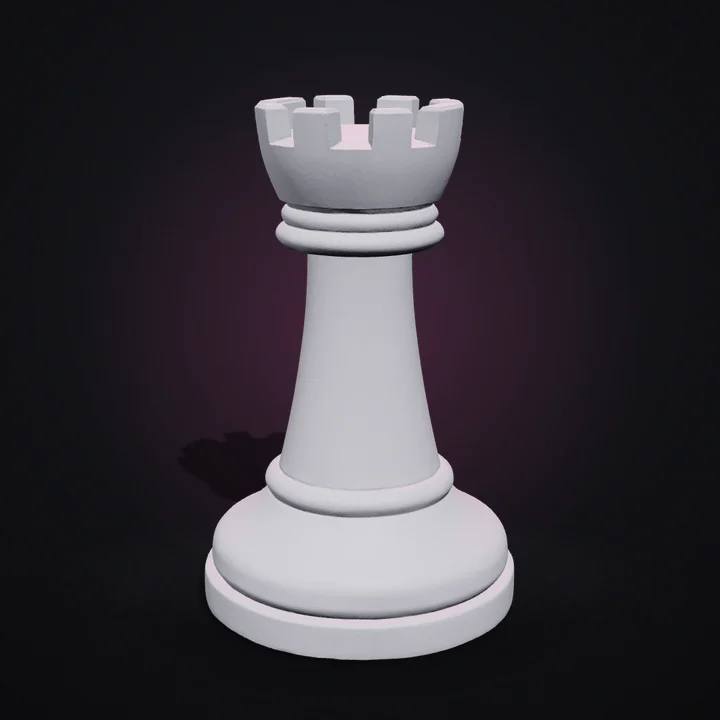
“A chess rook shaped like a small castle tower with a flat round base”
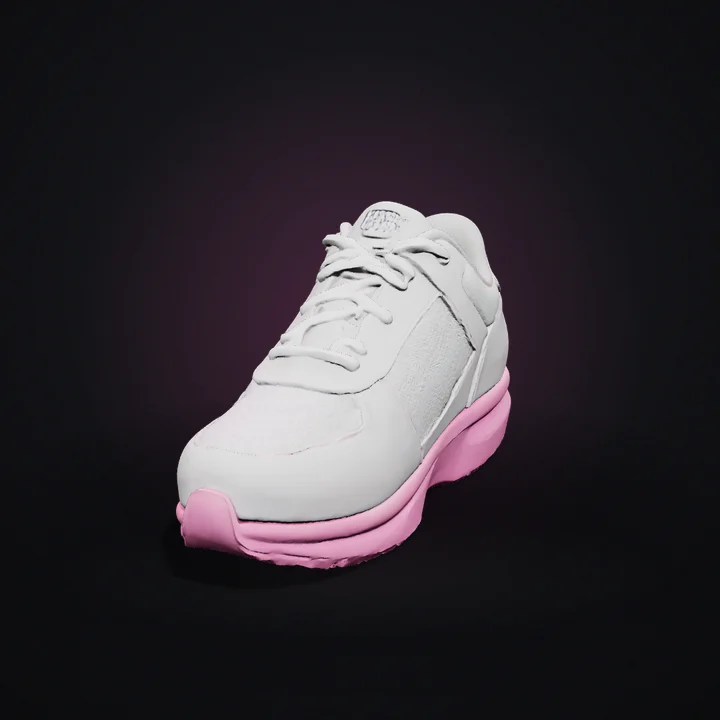
“A white leather running sneaker with a pink sole and mesh panels”
Built for
Generate characters, props, environments and game assets.
Generate models you can refine and prepare for printing.
Create product visuals and 3D representations.
How it works
Pick what you are making, then write it in plain language or start from concept art.
Submit it to the 3D generation provider and follow each real status change.
Orbit, zoom and check the wireframe in the viewer before you export.
Download FBX, GLB, USDZ or STL for your engine, slicer or store.
The workspace
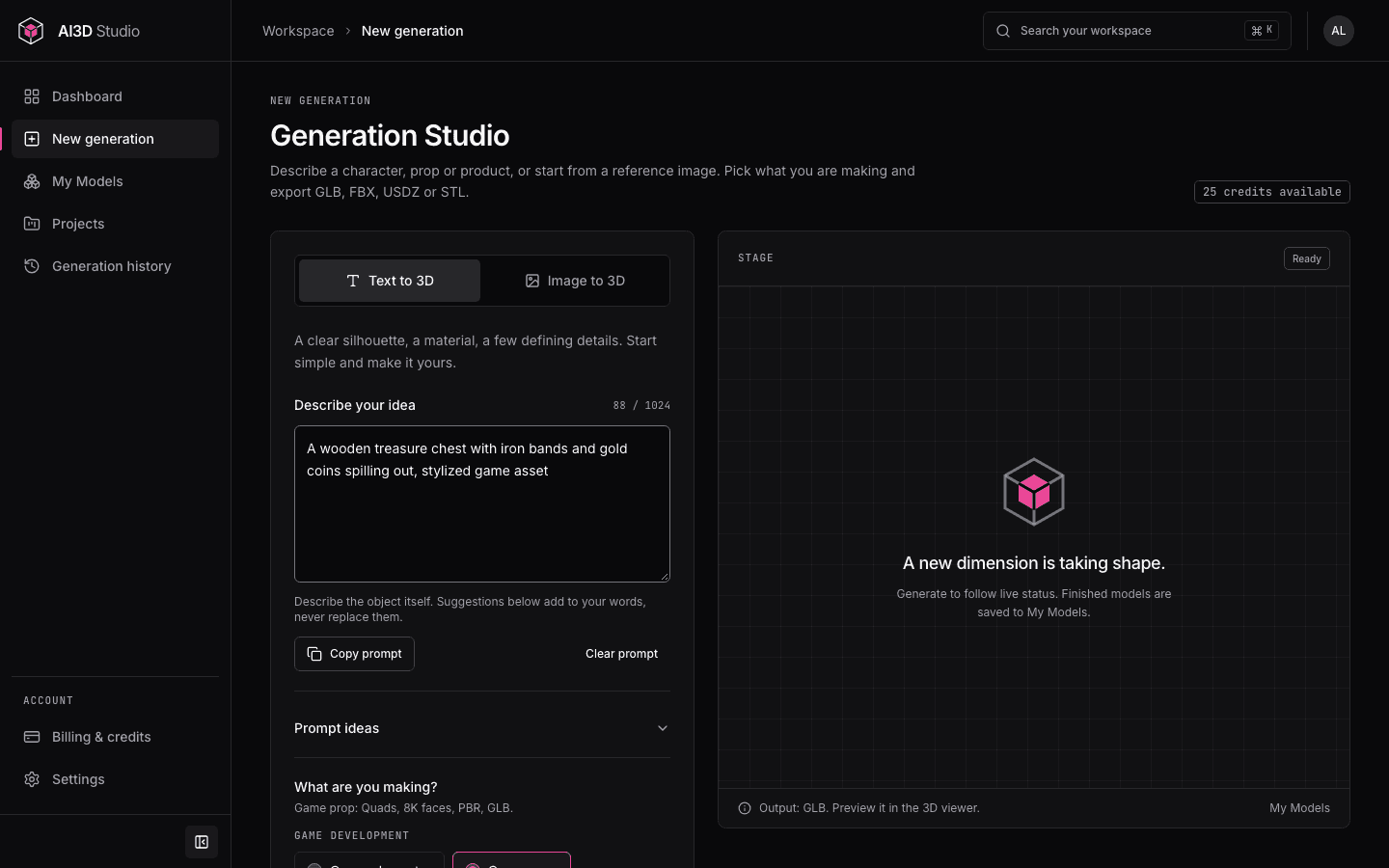
Pick a preset, write a prompt, choose your format and watch each real status change. Then inspect, organize and export from the same place.
Two ways to start
Describe a knight, a crate or a ceramic mug. Presets for characters, props, environment pieces, printable models and products set the right options for you.
Turn concept art or a product photo into a model. Upload a PNG, JPEG or WebP; it is checked for type and size before anything is sent.
Group models by idea, client or scene. Deleting a project never deletes the models inside it.
Search, filter and sort every model and generation you own.
Every request keeps its prompt, settings, status and error details.
Orbit, pan and zoom GLB, FBX and STL models, with wireframe and real mesh statistics.
Your workspace is isolated at the database level. Only you can see your assets.
Pricing
Monthly plans for regular creators and one-time credit packs for everyone else. Credits never expire, and failed generations are refunded automatically.
FAQ
Generation depends on a connected provider. The Generation Studio always shows whether generation is available in this workspace. If it is not, you can still draft prompts, prepare reference images and organize your library. Nothing is simulated.
Creating an account is free and needs no payment method. Generations use credits: subscribe to a monthly plan for a regular allowance, or buy a one-time credit pack. Credits never expire, and failed generations return their credits automatically.
Choose GLB, FBX, USDZ or STL before you generate. GLB, FBX and USDZ include textures; STL is geometry only, for printing. The viewer previews GLB, FBX and STL; USDZ is download only.
No. The T/A pose option generates human-like characters in a rest pose so you can rig them in Blender, Mixamo or your engine. Rigging and animation are not included.
Our terms let you use models you generate for personal and commercial purposes, subject to the AI provider's terms and applicable law. Whether AI-generated output is protected by copyright depends on your jurisdiction.
Only you. Every record is protected by row-level security, so other accounts cannot read, change or delete your projects, models or history.
The project is removed and its models stay in My Models, unassigned. Your generation history is kept.
Create a free account, try a preset and inspect the result in 3D before you export.